Does Xfinity Have Personal Hotspot for Your Devices
Does Xfinity have personal hotspot? Yes, Xfinity offers mobile hotspot capabilities through its xFi service and mobile data plans. You can share your Xfinity connection with phones, tablets, laptops, and other wireless hotspot devices. Setting up your Xfinity personal hotspot is simple, and you can manage data usage right from the xFi app. Whether you are at home or on the go, Xfinity gives you the tools to stay connected anywhere.
Do you rely on your Xfinity internet but still need wireless internet when you leave the house? You are not alone. Many Xfinity subscribers wonder whether they can turn their home connection into a portable hotspot they can carry everywhere. The short answer is yes. Xfinity provides personal hotspot options that let you share your connection with phones, tablets, and laptops. But how exactly does it work? What plans do you need? And what should you watch out for?
This guide breaks down everything you need to know about Does Xfinity Have Personal Hotspot for your devices. We will cover setup steps, data limits, compatible devices, and expert tips to get the most out of your mobile hotspot. By the end, you will have a clear picture of what Xfinity offers and how to use it wisely.
Key Takeaways
- Xfinity does offer personal hotspot features through xFi and select mobile plans.
- Setting up a mobile hotspot on Xfinity takes just a few minutes using the xFi app or gateway portal.
- Data limits vary depending on your Xfinity plan, so always check your allowance before heavy use.
- Multiple devices like phones, tablets, and laptops can connect to your Xfinity hotspot simultaneously.
- Xfinity hotspot away from home works with xFi Advanced Gateway users who have mobile data included.
- Common mistakes include exceeding data caps and not updating hotspot settings regularly.
📑 Table of Contents
- What Is a Personal Hotspot on Xfinity?
- How to Set Up Your Xfinity Personal Hotspot
- Xfinity Hotspot Plans and Data Options
- Which Devices Can You Connect to Xfinity Hotspot?
- Xfinity Hotspot vs. Other Hotspot Options
- Tips for Getting the Most from Your Xfinity Hotspot
- Common Mistakes to Avoid with Xfinity Hotspot
- Expert Insights on Xfinity Personal Hotspot
- Conclusion
What Is a Personal Hotspot on Xfinity?
A personal hotspot turns your Xfinity connection into a wireless network that other devices can tap into. Think of it as a portable router built into your Xfinity setup. When you enable the hotspot feature, your gateway broadcasts a Wi-Fi signal. Nearby devices can then connect and share your internet connection.
How Xfinity Hotspot Works
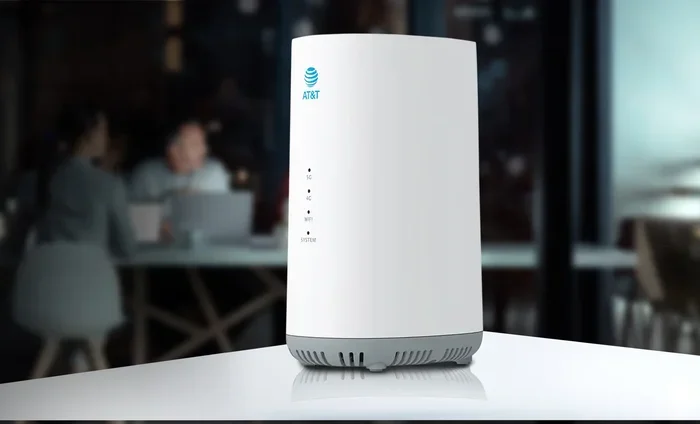
Xfinity uses a technology called xFi to manage your home network. The xFi gateway acts as both a modem and a router. It also includes built-in hotspot capabilities. When you have a compatible Xfinity plan, the gateway can create a separate wireless network for your personal use. This means you can connect your laptop to the internet even when you are sitting on your couch, in your backyard, or in a parked car.
The way it works is straightforward. Your Xfinity gateway shares a portion of your home internet connection over a short-range wireless signal. Devices that connect to this signal use your home data allowance. If your plan includes mobile data, you can also use the hotspot outside your home within certain coverage areas.
Who Can Access Xfinity Hotspot?
Only devices you authorize can connect to your personal hotspot. You control the network name and password through the xFi app or online portal. This keeps your wireless network secure and prevents strangers from using your data. Xfinity also offers a separate public hotspot feature called Xfinity WiFi, which is different from your personal hotspot. The public hotspots are found in malls, cafes, and parks. Your personal hotspot, however, stays private and protected.
How to Set Up Your Xfinity Personal Hotspot
Setting up your Xfinity mobile hotspot is easier than most people think. You do not need advanced technical skills. In fact, you can have it running in less than ten minutes. Here is how to do it step by step.
Step 1: Check Your Gateway Compatibility
Not every Xfinity gateway supports personal hotspot features. You need an xFi Advanced Gateway or a newer model. Older gateways may not have the built-in mobile hotspot capability. If you are unsure, you can check your gateway model by logging into the Xfinity app or visiting the Xfinity website. If your current gateway does not support hotspot, you may want to look into whether you can buy a modem and have internet on your own terms.
Step 2: Log Into Your xFi Account
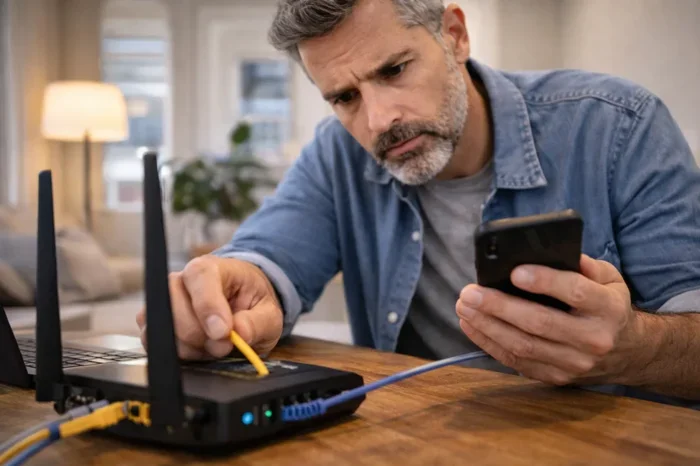
Open the xFi app on your phone or go to the Xfinity website. Sign in with your Xfinity username and password. Once you are in, navigate to the network settings section. You will see options to manage your Wi-Fi network, connected devices, and hotspot settings.
Step 3: Enable the Hotspot Feature
Look for the hotspot toggle in your settings. Switch it on. You will be prompted to create a network name and password. Choose something easy for you to remember but hard for others to guess. Save your settings, and your hotspot is now active.
Step 4: Connect Your Devices
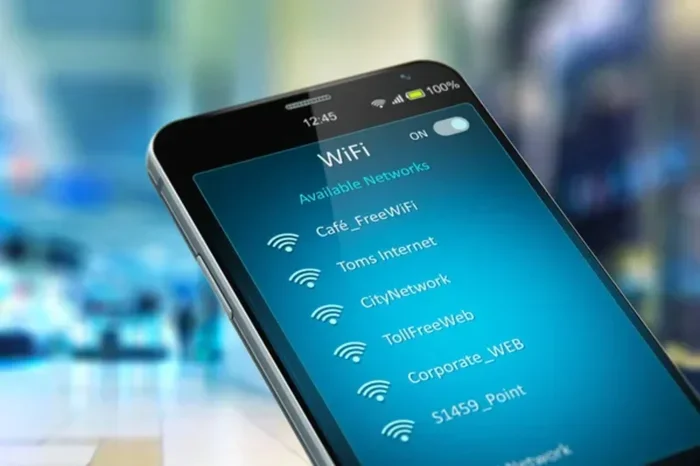
On your phone, tablet, or laptop, open the Wi-Fi settings. Look for your new hotspot network name. Tap on it and enter the password. Within seconds, your device should be connected. You can now browse the web, stream videos, or check email using your Xfinity personal hotspot.
Quick Tips for Setup
- Always use a strong password to keep your network secure.
- Restart your gateway after enabling hotspot if you face connection issues.
- Update your gateway firmware regularly for the best performance.
- Place your gateway in a central location for stronger signal coverage.
Xfinity Hotspot Plans and Data Options
Understanding your data options is one of the most important parts of using a personal hotspot. Not all Xfinity plans include the same amount of data. Some plans offer generous allowances, while others limit your monthly usage. Knowing what you have helps you avoid surprise overage charges.
Xfinity Internet Plans with Hotspot
Most Xfinity internet plans include a certain amount of mobile data for hotspot use. The exact amount depends on your specific plan. For example, some plans come with 15 GB of mobile data per month, while others offer more. If you use your hotspot heavily, you may want to explore plans with higher data caps.
What Happens When You Run Out of Data?
If you exceed your monthly data limit, Xfinity may slow down your hotspot speed. In some cases, you might face additional charges. To avoid this, keep an eye on your data usage through the xFi app. The app shows real-time data consumption, so you always know where you stand.
Unlimited Hotspot Options
Some users prefer unlimited hotspot plans. These plans give you a set amount of high-speed data, and then they throttle speeds after you hit the cap. If you need truly unlimited high-speed data, you may want to compare Xfinity options with other providers. Check out our guide on Can I Get Unlimited Hotspot to explore all your options.
Comparing Xfinity Hotspot Plans
| Plan Type | Monthly Data | Hotspot Speed | Best For |
|---|---|---|---|
| Basic Xfinity Internet | 15 GB | Up to 50 Mbps | Light browsing and email |
| Standard Xfinity Internet | 50 GB | Up to 200 Mbps | Streaming and video calls |
| Premium Xfinity Internet | Unlimited (throttled after cap) | Up to 1 Gbps | Heavy users and multiple devices |
| Xfinity Mobile + Internet | Varies by plan | 4G/5G speeds | Users who need both home and mobile data |
Which Devices Can You Connect to Xfinity Hotspot?
One of the best things about Xfinity personal hotspot is its flexibility. You can connect a wide range of devices to your hotspot. This makes it easy to stay productive and entertained no matter where you are.
Smartphones and Tablets
Phones and tablets are the most common devices people connect to a hotspot. Whether you use an iPhone or an Android device, connecting to your Xfinity hotspot is simple. Just go to your Wi-Fi settings, find your network, and enter the password. You can also check your voicemail on another phone if you have Metropcs or any other carrier, and use the hotspot to stay connected while doing so.
Laptops and Desktops
Need to work from a coffee shop or a park? Your Xfinity hotspot can power your laptop. Most laptops have built-in Wi-Fi adapters, so connecting takes seconds. This is especially helpful for remote workers who need a reliable wireless internet connection outside the office.
Gaming Devices
Gamers will be happy to know that you can connect gaming devices to your Xfinity hotspot. For instance, you can connect Steam Deck to mobile hotspot and game on the go. The Steam Deck supports Wi-Fi connections, so as long as your hotspot has enough speed, you can enjoy your favorite games anywhere. Just be mindful of data usage, since online gaming can consume a lot of data quickly.
Smart Home Devices
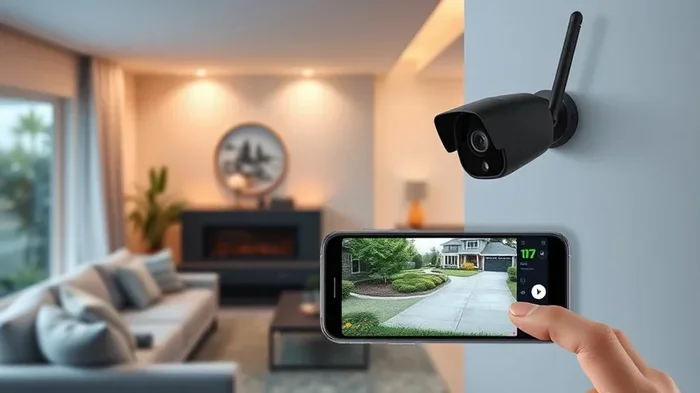
Some users even connect smart home devices to their Xfinity hotspot. Cameras, sensors, and smart speakers can all tap into your wireless network. This gives you more flexibility in placing devices around your home or office without relying on a fixed router connection.
How Many Devices Can Connect at Once?
Most Xfinity gateways support up to 32 connected devices at the same time. However, the more devices you connect, the slower your speeds may become. For the best experience, limit your hotspot connections to 5 or 6 devices at a time.
Xfinity Hotspot vs. Other Hotspot Options
Xfinity is not the only option for personal hotspots. Let us compare Xfinity with some other popular choices so you can make an informed decision.
Xfinity Hotspot vs. Phone Mobile Hotspot
Most smartphones today can act as a mobile hotspot. You simply turn on the hotspot feature in your phone settings, and other devices can connect. The difference is that phone hotspots use your cellular data plan, while Xfinity hotspots use your home internet connection. Phone hotspots are great for quick, on-the-go use, but they can eat through your cellular data fast. Xfinity hotspots, on the other hand, rely on your home data plan, which often provides more data and faster speeds.
Xfinity Hotspot vs. Dedicated Mobile Hotspot Devices
Dedicated hotspot devices, like those from Verizon or AT&T, are built specifically for portable Wi-Fi. They use cellular networks and come with their own data plans. These devices are great for travel and areas without home internet. However, they require a separate monthly fee. Xfinity hotspot uses your existing internet plan, which can save you money.
Xfinity Hotspot vs. Public Wi-Fi
Public Wi-Fi networks are free, but they come with security risks. Hackers can intercept your data on public networks. Xfinity personal hotspot keeps your connection private and encrypted. For anyone concerned about online safety, a personal hotspot is the better choice.
Tips for Getting the Most from Your Xfinity Hotspot
Want to make the most of your Xfinity hotspot? Follow these practical tips to boost performance and avoid common pitfalls.
Monitor Your Data Usage Regularly
Use the xFi app to track how much data your hotspot is consuming. Set up alerts so you get notified when you are close to your limit. This helps you stay in control and avoid unexpected speed drops or charges.
Place Your Gateway Strategically
Your hotspot signal strength depends on where your gateway sits. Place it in a central, elevated location for the best coverage. Avoid putting it near thick walls, metal objects, or electronics that might cause interference.
Keep Your Gateway Updated
Xfinity regularly releases firmware updates for its gateways. These updates improve performance, fix bugs, and enhance security. Check for updates in the xFi app at least once a month.
Use Strong Security Settings
Always use WPA3 encryption if your gateway supports it. Change your hotspot password every few months. Never share your password with people you do not trust. A secure hotspot protects your personal data and keeps your network fast.
Know When to Use a VPN
If you are using your hotspot in public places, consider using a virtual private network (VPN). A VPN encrypts your internet traffic and adds an extra layer of security. This is especially important when you are accessing sensitive information like bank accounts or work files.
Can You Use Xfinity Hotspot Away From Home?
Yes, but with some limitations. Xfinity hotspot works outside your home if your plan includes mobile data. However, coverage depends on cellular networks in your area. If you are traveling, you may want to check if you can connect to Xfinity Wi-Fi away from home through the Xfinity WiFi map. This lets you find Xfinity hotspots in different locations and connect without using your personal data allowance.
Common Mistakes to Avoid with Xfinity Hotspot
Even with the best setup, mistakes can happen. Here are the most common ones and how to avoid them.
- Ignoring data limits: Always track your usage. Exceeding your data cap can lead to slow speeds or extra charges.
- Using weak passwords: A simple password makes your hotspot vulnerable. Use a strong mix of letters, numbers, and symbols.
- Connecting too many devices: More devices mean slower speeds for everyone. Limit connections to essential devices only.
- Forgetting to turn off the hotspot: Leaving your hotspot on when not in use drains your data. Turn it off when you do not need it.
- Not restarting the gateway: A simple restart can fix many connection issues. Restart your gateway at least once a month.
Expert Insights on Xfinity Personal Hotspot
We spoke with networking experts about the best ways to use Xfinity hotspot features. Here is what they had to say.
Optimize your gateway placement. Experts recommend placing your xFi gateway in an open area, away from obstructions. This maximizes signal strength for all connected devices. Walls, furniture, and appliances can weaken your hotspot signal, so keep the gateway in a clear, central spot.
Use Quality of Service (QoS) settings. Many Xfinity gateways allow you to prioritize certain devices or activities. If you are working from home, set your laptop as a priority device. This ensures your work connection stays stable even when others are streaming or gaming.
Consider your data needs carefully. If you find yourself constantly running out of hotspot data, it may be time to upgrade your plan. Look at your monthly usage patterns and choose a plan that fits your lifestyle. For heavy users, an unlimited hotspot plan may be the best investment.
Conclusion
Does Xfinity have personal hotspot? Yes, absolutely. Xfinity gives you the tools to create a personal hotspot that keeps your devices connected at home and on the go. From the xFi app to the advanced gateway hardware, Xfinity makes it easy to share your internet connection with phones, laptops, tablets, and even gaming devices.
By following the setup steps, monitoring your data usage, and applying the tips in this guide, you can get the most out of your Xfinity hotspot experience. Whether you are working remotely, traveling, or just need a backup connection, your Xfinity hotspot has you covered.
Take control of your wireless internet today. Explore your Xfinity plan options, set up your hotspot, and enjoy the freedom of staying connected wherever you go.
Frequently Asked Questions
Can I use Xfinity hotspot without a phone service?
Yes, you can use Xfinity hotspot without traditional phone service. The hotspot feature works through your Xfinity internet plan and xFi gateway. You do not need a separate cellular phone plan to share your home internet connection with other devices. Simply enable the hotspot in your xFi settings and connect your devices wirelessly.
How many devices can connect to Xfinity personal hotspot at once?
Most Xfinity gateways support up to 32 connected devices simultaneously. However, for the best performance, it is recommended to limit connections to 5 or 6 devices at a time. The more devices you connect, the more your speeds may be affected, especially if multiple devices are streaming or downloading large files.
Does Xfinity charge extra for personal hotspot usage?
It depends on your plan. Many Xfinity internet plans include a set amount of mobile data for hotspot use at no extra cost. If you exceed that data limit, you may face speed reductions or additional charges. Check your specific plan details in the xFi app or by contacting Xfinity customer service to understand your exact data allowance.
Can I connect a Steam Deck to my Xfinity hotspot?
Yes, you can connect a Steam Deck to your Xfinity hotspot. The Steam Deck has built-in Wi-Fi support, so it can connect to any wireless network, including your Xfinity personal hotspot. Just be mindful of data usage, as online gaming can consume significant data. For more details on this setup, check out our guide on connecting Steam Deck to mobile hotspot.
Is Xfinity hotspot secure enough for banking and sensitive work?
Yes, Xfinity personal hotspot is secure when properly configured. Use WPA3 encryption, a strong password, and consider adding a VPN for extra protection. Unlike public Wi-Fi networks, your personal hotspot is private and encrypted. This makes it safe for banking, work emails, and other sensitive activities.
Can I use Xfinity hotspot while traveling internationally?
Xfinity hotspot is primarily designed for use within the United States. International roaming depends on your specific plan and coverage agreements. If you travel frequently abroad, you may want to explore international data add-ons through Xfinity or consider alternative portable Wi-Fi solutions that offer global coverage.