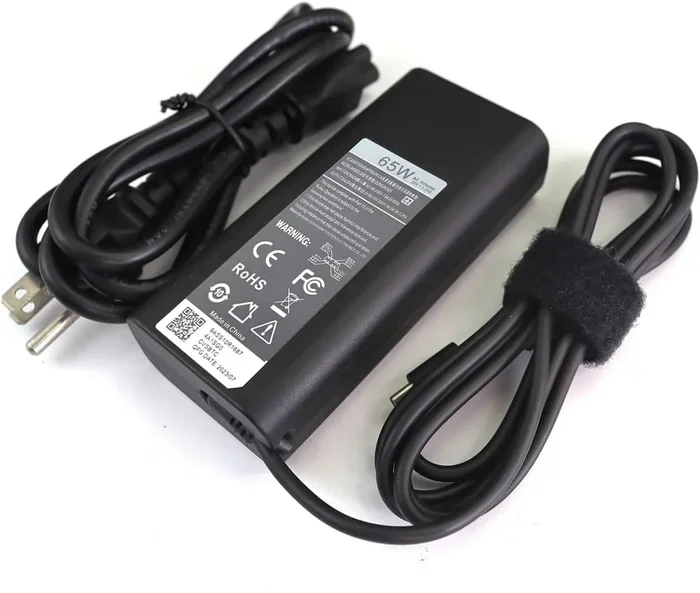
Can I Charge My Dell With A Hp Charger And Not Damage It
You can charge your Dell with an HP charger, but you must check the voltage and wattage first. Using the wrong power adapter can harm your battery health. Always match the specs to avoid safety risks and keep your device running smoothly.
Key Takeaways
- Check the Voltage: Always match the voltage between the Dell and HP charger to prevent damage.
- Wattage Matters: A higher wattage is safe, but a lower wattage might not charge your laptop effectively.
- Connector Type: Ensure the charging port and barrel connector fit properly before plugging in.
- USB-C is Universal: If both laptops use USB-C charging, swapping chargers is much easier and safer.
- Avoid Cheap Knockoffs: Always use a reputable third-party charger or the original OEM charger for best results.
- Monitor Battery Health: Watch for overheating or slow charging, which signals an incompatible power brick.
📑 Table of Contents
Understanding Laptop Power Requirements
Before you plug anything in, you need to know how laptops get power. Every Dell laptop and HP laptop needs a specific amount of electricity to work correctly. This electricity comes from an AC adapter or a power brick. When you use a charger from a different brand, you are taking a small risk. But you can manage that risk easily. You just need to pay attention to the details and stay careful. A little knowledge goes a long way in protecting your investment.
The main job of any charger compatibility setup is to deliver the right power supply. Think of it like fueling a car. You need the right fuel type for the engine to run. If you put the wrong fuel in, the engine might break. The same goes for your laptop. You need the right voltage and wattage to keep things safe. Your laptop has a tiny brain inside it. This brain controls the power delivery coming in. If the power is too high or too low, the brain gets confused. This confusion can lead to big problems over time. You want to avoid confusing the brain of your laptop at all costs.
You should always look at the bottom of your laptop. There is a small sticker there. This sticker tells you the power requirements. It shows the voltage and the amperage. You can also look at the original charger box. The box has all the same information. Write these numbers down. You will need them when you try a new charger. This simple step saves you a lot of trouble later on. Knowing your power adapter specs is the first step to staying safe. It only takes a few seconds to check, but it can save you hundreds of dollars in repairs.
Another thing to keep in mind is the A/C adapter rating. This is the amount of current the charger can provide. If the charger cannot provide enough current, your laptop might not charge at all. Or it might charge very slowly. You want a smooth and steady flow of electricity. Think of it like a water pipe. A thin pipe cannot fill a big tank quickly. A thick pipe can do the job much faster. Always aim for the right fit.
What Makes a Charger Work?
A charger has three main parts. First, there is the plug that goes into the wall. Second, there is the box that changes the power. Third, there is the cable that goes into your laptop. The charging port on your laptop receives the power. If any of these parts do not match, the power will not flow correctly. You might notice your charging speed drops if the parts do not match well. A slow charge is annoying, but a broken port is expensive.
Dell and HP both make great laptops. But they often use different chargers. An HP power adapter has its own design. A Dell power adapter has its own design too. So, can you swap them? The answer is yes, but with some important rules you must follow. You cannot just guess. You must check the numbers. Guessing is how laptops break. Take the extra five minutes to read the labels. Your laptop will thank you for it. A little patience goes a long way in preventing damage.
Also, look at the size of the charger box. Some boxes are big and heavy. Others are small and light. The size does not always tell you the power. You must read the label on the box. The label has all the important numbers. Never trust the size of the charger alone. Always trust the written specifications instead.
Voltage and Wattage Explained
Voltage is the pressure of the electricity. Think of it like water pressure in a hose. Too much pressure can burst the hose. Too little pressure, and the water will not reach the end. Your laptop needs a specific voltage to work. You must match this exactly. There is no wiggle room here. Even a small difference can cause issues. You want the water pressure to be just right.
Wattage is the total amount of power used. It is the result of voltage times current. If your Dell needs 65 watts, you can give it 90 watts. The laptop will only take what it needs. It is like a drinking straw. The straw only sucks up what it can handle. However, if you give it 45 watts, it might not charge while you use it. It might even lose battery health while you work on your documents. Slow charging speed is a sign that the wattage is too low. Your laptop is using more power than it is receiving.
Always check the label on your original charger. Look for the output voltage and the output amperage. This tells you exactly what your laptop needs to stay healthy. Write it down in your phone. That way, you always have the info with you. This is a great habit to build. It only takes a few seconds each time. It can save you from a lot of frustration later.
Can I Charge My Dell With A Hp Charger
The short answer is yes. You can charge my Dell with an HP charger in many cases. But you have to be careful. You cannot just grab any HP charger and plug it in. You must check the specifications first. Using the wrong charger can cause problems. It is better to be safe than sorry. Taking a few extra minutes to check can save you a lot of money and stress.
When you ask yourself, “Can I charge my Dell with an HP charger and not damage it?”, the answer depends on a few things. The most important thing is the connector size. If the plug does not fit, you cannot charge the laptop. If the plug fits but the power is wrong, you might damage your computer. You must look at both the shape and the power numbers. A proper power supply is essential for keeping your device running smoothly every single day.
Many people think all laptop chargers look the same. They do not. Dell and HP use different sizes and shapes. Some use a round tip. Others use a flat USB-C charging port. You must find the right one for your specific Dell model. An HP charger might fit your Dell perfectly. Or it might not fit at all. It all depends on the model of the laptop. Always check your user manual if you are unsure about the port type. The manual has all the answers you need.
The Short Answer
Yes, you can use an HP charger for your Dell laptop. But only if the power specs match. You also need the right physical connector. A third-party charger can work, but it must meet your Dell’s needs. Never force a plug into a port. If it does not fit, stop right there. Forcing things never ends well. A loose barrel connector is a sign that you need a different adapter. You want a tight and secure fit every time you plug it in.
Think of it like a key and a lock. The charger plug is the key. The laptop port is the lock. If the key does not fit the lock, you cannot open the door. You cannot charge the laptop. So, always check the size first. A snug fit is what you want. A loose fit is a danger sign. You want the charging cable to sit firmly in the port without wiggling. A firm connection ensures a steady flow of power.
When It Works and When It Does Not
It works when the voltage is the same. It also works when the wattage is equal or higher. For example, if your Dell needs 20 volts and 3.25 amps, an HP charger that gives 20 volts and 4 amps is fine. The Dell will just draw 3.25 amps from the 4-amp supply. It is very simple math. The laptop takes what it needs and leaves the rest. This is how power delivery works in modern devices. The laptop controls the intake, not the charger.
It does not work when the voltage is different. You must never use a 19-volt charger on a 20-volt laptop. The difference in power delivery can fry the motherboard. The motherboard is the main brain of the laptop. If it breaks, the whole laptop stops working. It also does not work when the connector is the wrong size. Even if the power is perfect, a loose connection will cause sparking and damage. Sparking is very bad for the internal parts. It ruins the charging port very quickly. You do not want to deal with sparking at all.
The Risks of Using an Incompatible Charger
Using the wrong charger is not just a minor annoyance. It can cause real damage to your laptop. You should always think about safety risks before you plug in an unknown charger. Protecting your device is the most important thing you can do. A new laptop costs a lot of money. You do not want to lose it to a simple mistake. A good OEM charger is always the safest bet. Original equipment manufacturers design these chargers specifically for their machines.
Safety Risks to Watch Out For
One of the biggest dangers is overheating. If the charger sends too much voltage, the laptop will get very hot. This can melt the plastic casing. It can also damage the internal circuits. In the worst cases, it can even start a fire. You do not want your desk to catch fire because of a charger. Always unplug the charger if it feels hot to the touch. A hot charger is a warning sign you cannot ignore.
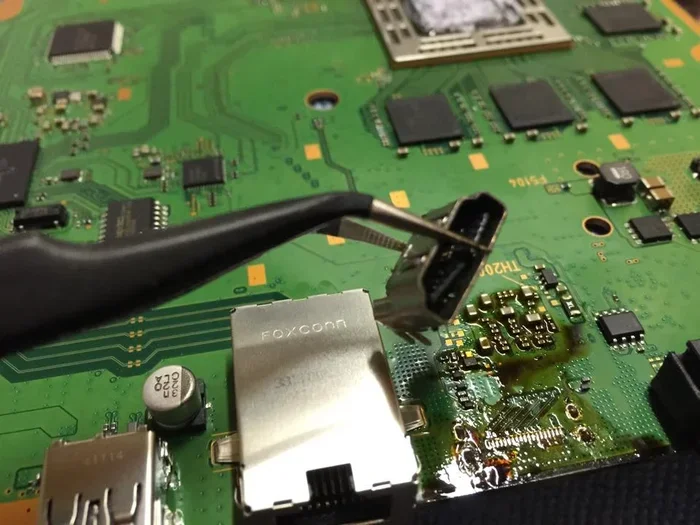
Another risk is a short circuit. If the polarity is wrong, the electricity will flow the wrong way. This can burn out the charging port instantly. You might lose the ability to charge your laptop at all. Always make sure the charging cable and the power box are in good condition too. A frayed cable is a fire hazard. Replace it right away if you see any damage. Do not try to tape it up and keep using it. A small tear can lead to a big shock.
How It Affects Your Battery Health
Your battery is the heart of your laptop. If you use a bad charger, you hurt the battery. Over time, the battery will swell or lose its capacity. You might notice your laptop dies way faster than it used to. You might have to keep it plugged in all the time to work. This is a clear sign that your battery health is failing. A failing battery means you lose your freedom to work anywhere.
An incompatible OEM charger sends unstable power. This unstable power stresses the battery cells. The battery might stop holding a charge altogether. In some cases, the battery might stop working completely. Replacing a Dell battery can be expensive. It costs a lot of money. So, it is much better to use the right charger from the start. A good power adapter keeps your battery healthy for years. You will get more life out of your device. You will not have to replace the battery every year.
Comparing Dell and HP Chargers
Dell and HP use different designs for their chargers. They are not always interchangeable. You need to know the differences to stay safe. Let us look at the main types of chargers each brand uses. Knowing the differences helps you make a smart choice when you are in a pinch and need power fast.
Connector Types and Compatibility
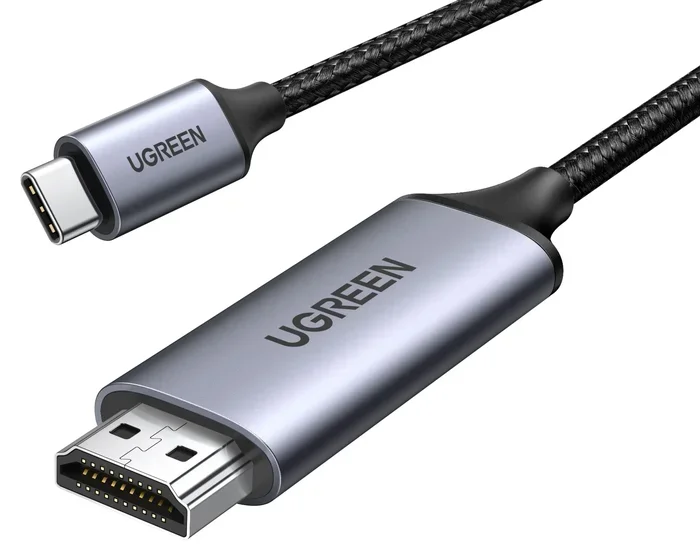
Dell has used many different shapes over the years. Older Dell laptops use a round barrel connector. Newer Dell laptops often use a USB-C charging port. HP also uses round barrel connectors and USB-C ports. The shape of the barrel connector is very important. You must match the shape to your laptop model. A wrong shape means no power at all. You will be left staring at a dead screen.
Even if both Dell and HP use a round barrel plug, the sizes might differ. Dell often uses a 7.4mm by 5.0mm plug. HP often uses a 6.5mm by 4.4mm plug. These sizes look similar but are different. You cannot force a 7.4mm plug into a 6.5mm hole. You must measure the plug before you try to use it. A small ruler or caliper works great for this job. Taking this small step prevents a lot of frustration and damage.
Comparison of Dell and HP Charger Specs
Here is a quick look at how Dell and HP chargers compare. This table helps you see the differences in common models. Use this table as a guide when you are shopping for a new power supply.
| Brand | Common Voltage | Common Wattage | Connector Type |
|---|---|---|---|
| Dell Inspiron | 19.5V | 65W to 130W | Round Barrel or USB-C |
| HP Pavilion | 19.5V | 65W to 130W | Round Barrel or USB-C |
| Dell XPS | 20V | 60W to 130W | USB-C |
| HP Spectre | 20V | 65W to 130W | USB-C |
As you can see, many HP and Dell laptops share the same voltage of 19.5V or 20V. This makes swapping easier. But the connector shape and size are still the biggest hurdle. Always double-check the connector before you buy or borrow a charger. A small mistake can cause a big problem. You want to avoid any safety risks at all costs. A little caution keeps your device safe and sound.
How to Charge Your Dell Safely with an HP Charger
If you decide to use an HP charger with your Dell, you need to do it safely. Follow these steps to protect your laptop. A little caution goes a long way in keeping your device safe. You want to avoid any accidents or damage to your machine. Following a simple routine makes this process easy and stress-free.
Step-by-Step Guide
- First, turn off your Dell laptop completely. Do not just put it to sleep. Shut it down fully to protect the circuits from power surges.
- Next, check the label on your HP charger. Write down the voltage and amperage.
- Then, check the label on your Dell charger. Write down the voltage and amperage.
- Compare the two numbers. The voltage must be exactly the same.
- Check the connector size. Make sure the HP plug fits the Dell port snugly.
- If everything matches, plug the HP charger into the wall first.
- Then, plug the connector into your Dell laptop.
- Turn on your laptop and watch the charging light. If it lights up, you are good to go.
Quick Tips for Safe Charging
- Never force a plug: If it does not fit, do not push it. You might break the port.
- Check for heat: If the charger or laptop gets too hot, unplug it immediately.
- Use a surge protector: This protects your laptop from power spikes in the wall outlet.
- Inspect the cable: Do not use a frayed or damaged charging cable. It is not safe.
- Match the amperage: The HP charger should have an amperage equal to or higher than the Dell needs.
When to Avoid Using an HP Charger for Your Dell
Sometimes, you should just say no to using an HP charger. There are clear times when you should avoid it. Knowing these times keeps your laptop safe and sound. Trust your gut. If something feels wrong, stop and check the specs. A little caution prevents a lot of headaches and repair bills.
Situations Where You Should Not Swap Chargers
Do not swap chargers if the voltages do not match. Even a one-volt difference can be bad. Do not swap chargers if the connectors are loose. A loose connection causes sparking. Sparking can destroy the charging port. You do not want to be stuck without a working laptop. A damaged charging port is expensive to repair. It is better to avoid this situation entirely.
Also, avoid swapping if you are in a hurry. You might not notice that the plug does not fit properly. If you are using a very old HP charger on a new Dell, that is also a bad idea. Old chargers might not have the right safety chips. Modern laptops need smart chargers to regulate the power delivery correctly. The safety chips protect your laptop from power surges. Without them, you are taking a big risk with your battery health. Protect your investment by using the right gear.
Final Thoughts on Charger Compatibility
So, can you use an HP charger for your Dell? Yes, you can, but you must be smart about it. Always check the voltage, wattage, and connector size first. A little homework saves you a lot of money and trouble. You do not need to be a tech expert to do this. Just read the labels and compare the numbers. It is really that simple. Anyone can do it with a little care.
Using the right power adapter keeps your laptop running smoothly. It also protects your battery health for years to come. A healthy battery means your laptop lasts longer on a single charge. You can work from anywhere without worrying about finding an outlet. You will have peace of mind knowing your device is safe and sound. A little effort now saves a lot of trouble later.
If you are ever in doubt, just buy the original Dell charger. It is the safest choice. The OEM charger is designed specifically for your machine. But if you must use an HP charger, follow the steps above. You will be able to charge my Dell with an HP charger without any problems. Stay safe, stay smart, and keep your laptop powered up. A little care goes a long way in extending the life of your device. You will be glad you took the extra time to do it right.
Frequently Asked Questions
Can I Charge My Dell With A Hp Charger Without Breaking It?
Yes, you can, but only if the voltage matches exactly and the connector fits snugly. Always check the power specs on both chargers before you plug them in to avoid any damage.
What Happens If I Use the Wrong Voltage Charger?
Using the wrong voltage can fry your motherboard or destroy your battery. Too much voltage causes overheating, while too little voltage means your laptop might not charge at all.
Is It Safe to Use an HP Charger for a Dell Laptop Long Term?
It is safe if the power specs are identical. However, using the original OEM charger is always the best choice for long-term battery health and safety.
Why Does My Dell Laptop Not Charge When I Use an HP Charger?
This usually happens if the connector size is different or the wattage is too low. Make sure the barrel connector fits tightly and the charger can supply enough power for your model.
Can I Use a USB-C HP Charger on a Dell Laptop?
Yes, if your Dell laptop supports USB-C charging and the HP charger provides the correct voltage and power delivery. USB-C is more universal, but you still need to check the specs.
Will Using an HP Charger Void My Dell Warranty?
Using a third-party charger might void your warranty if it causes damage. Dell typically covers defects but not damage caused by incompatible power adapters. Always check your warranty terms.