Does an Infocus Projector Have Bluetooth Connectivity
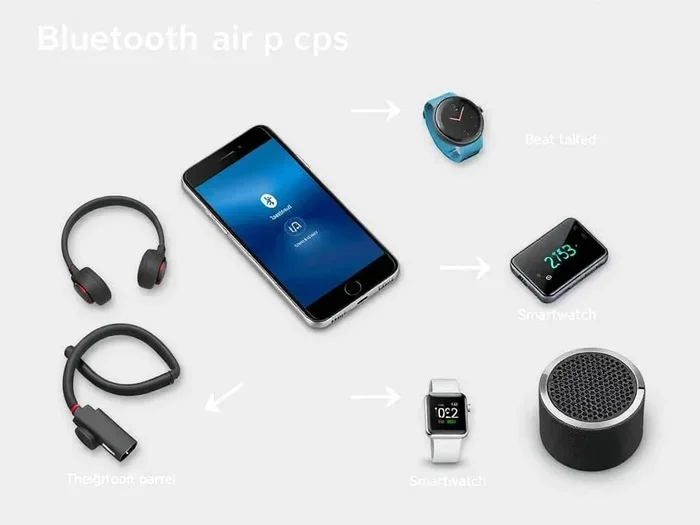
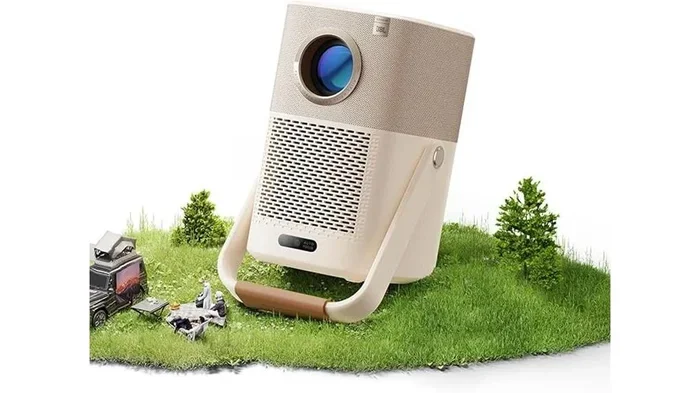
Yes, many Infocus projectors come with built-in Bluetooth for wireless audio streaming and device connectivity. This guide covers which models support Bluetooth, how to pair devices, and tips to improve your wireless experience. Whether you want wireless projector audio or screen mirroring, this article has everything you need.
This is a comprehensive guide about Does Infocus Projector Have Bluetooth.
Key Takeaways
- Bluetooth Availability: Not all Infocus projectors have Bluetooth, but many popular models do include wireless connectivity.
- Easy Pairing Process: Connecting your phone or laptop to an Infocus projector via Bluetooth is simple and takes just a few minutes.
- Audio Quality Matters: Bluetooth audio from a projector can vary, and using a Bluetooth transmitter can boost sound quality.
- Range and Stability: Bluetooth works best within 30 feet, and obstacles can weaken the signal.
- Alternative Options: If your model lacks Bluetooth, you can use a Bluetooth adapter or wired connections as a workaround.
- Multiple Uses: Bluetooth on Infocus projectors works for movies, presentations, gaming, and music streaming.
[FEATURED_IMAGE_PLACEHOLDER]
Does an Infocus Projector Have Bluetooth Connectivity?
If you have been asking yourself, “Does an Infocus projector have Bluetooth?” you are not alone. Many people want wireless projector connectivity without dealing with messy cables. The short answer is that some Infocus projectors do have Bluetooth, but it depends on the model you own.
Infocus has been a popular brand in the projector world for years. They make projectors for home theaters, classrooms, and business meetings. Over time, they have added wireless features to many of their newer models. But not every single projector from Infocus comes with Bluetooth built in.
This article will help you figure out if your specific Infocus model has Bluetooth. We will also show you how to connect devices, fix common problems, and get the most out of your wireless setup. Let us dive right in.
Which Infocus Projectors Have Bluetooth?
Not every Infocus projector is the same. Some models come packed with Bluetooth, while others rely only on wired connections. Here is what you need to know about finding Bluetooth on your Infocus device.
Understanding Infocus Model Lines
Infocus has several projector lines. The higher-end models usually include more connectivity options, including Bluetooth wireless streaming. Budget models might skip Bluetooth to keep costs low. If you are not sure about your model, check the back of the projector or the user manual.
Look for a Bluetooth logo on the product box or spec sheet. You can also visit the Infocus website and search for your model number. The specifications page will list all connectivity options clearly.
How to Check if Your Projector Has Bluetooth
Here is a quick way to check if your Infocus projector has Bluetooth:
- Check the menu: Turn on the projector and go to Settings or Connectivity. Look for a Bluetooth option.
- Look at the ports: Some projectors have a Bluetooth icon printed near the USB or HDMI ports.
- Read the manual: The user guide will list all wireless features under the connectivity section.
- Search online: Type your model number into a search engine along with the word “Bluetooth.”
If your projector does not have built-in Bluetooth, do not worry. You can still get wireless audio using a Bluetooth transmitter or adapter. We will cover this in a later section.
How to Connect Bluetooth Devices to an Infocus Projector
Once you confirm that your Infocus projector has Bluetooth, the next step is pairing. The process is straightforward, but it helps to know exactly what to do. Here is a step-by-step guide.
Step-by-Step Pairing Guide
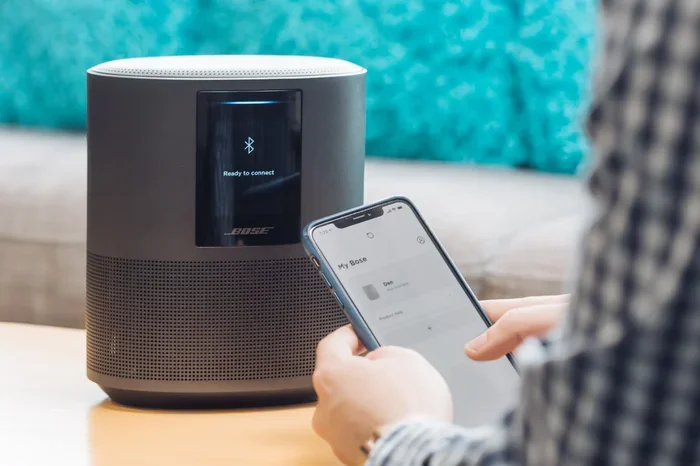
- Turn on Bluetooth: Go to your projector settings and enable Bluetooth. The projector will start searching for nearby devices.
- Put your device in pairing mode: On your phone, tablet, or laptop, turn on Bluetooth and make it visible.
- Select the projector: Your device should show the Infocus projector in the list of available devices. Tap on it.
- Wait for the connection: You may see a confirmation message on both screens. Once paired, audio will start flowing wirelessly.
- Test the connection: Play a video or audio file to make sure everything works smoothly.
Tips for a Strong Bluetooth Connection
A weak Bluetooth signal can cause audio delays or dropouts. Here are some tips to keep your connection strong:
- Keep your device within 30 feet of the projector.
- Remove physical obstacles like walls between the devices.
- Turn off other Bluetooth devices that are not in use.
- Make sure your projector firmware is up to date.
- Restart both devices if the connection drops.
For the best wireless projector audio, place your phone or laptop close to the projector. This reduces lag and keeps the sound synced with the video.
Can You Use a Bluetooth Transmitter with an Infocus Projector?
If your Infocus projector does not have built-in Bluetooth, you are not out of luck. A Bluetooth transmitter is a small device that adds wireless capability to any projector with an audio output. This is a popular solution for older models or budget-friendly options.
How a Bluetooth Transmitter Works
A Bluetooth transmitter plugs into the audio output on your projector. It could be a 3.5mm headphone jack or an RCA output. The transmitter then sends audio wirelessly to your Bluetooth headphones, speakers, or soundbar.
This is a great option if you want to avoid running cables across the room. You can sit back on the couch and enjoy wireless streaming from your phone or laptop.
Best Bluetooth Transmitters for Projectors
Not all Bluetooth transmitters are the same. Here are a few things to look for when buying one:
- Low latency: This reduces the delay between video and audio.
- Compatible codecs: Look for transmitters that support aptX or AAC for better sound quality.
- Range: A good transmitter should work reliably up to 30 feet.
- Battery life: If it is wireless, make sure the battery lasts through your movie sessions.
Using a Bluetooth transmitter is one of the easiest ways to add wireless connectivity to any projector setup. It works great for movie nights, gaming, and even presentations.
What Can You Do with Bluetooth on an Infocus Projector?
Bluetooth on an Infocus projector opens up several possibilities. It is not just about connecting speakers. Let us explore the different ways you can use this feature.
Wireless Audio Streaming
The most common use is streaming audio to wireless speakers or headphones. You can pair your Bluetooth headphones with the projector and watch movies late at night without disturbing anyone. This is perfect for bedrooms or small apartments.
You can also connect a Bluetooth speaker for better sound quality. Many projectors have small built-in speakers that sound flat. Using a Bluetooth speaker gives you richer, fuller sound for movies and music.
Screen Mirroring and Presentations
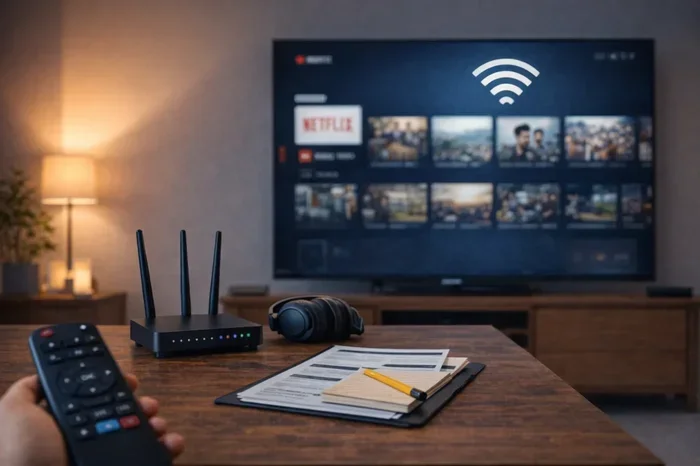
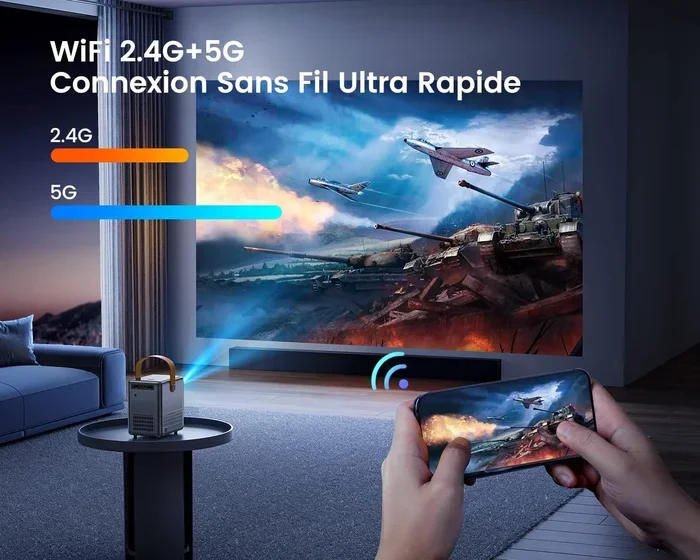
Some Infocus projectors support wireless screen mirroring through Bluetooth or Wi-Fi. This lets you cast your phone or laptop screen directly onto the big screen. It is perfect for business presentations or sharing photos with friends.
If you want to mirror your iPhone, you can also check out how to mirror your iPhone to a projector for more options and tips.
Gaming and Music
Gamers love the freedom of Bluetooth connectivity. You can connect a wireless controller or stream game audio without lag. Music lovers can use the projector as a Bluetooth speaker for outdoor parties or indoor listening sessions.
Just remember that Bluetooth has a limited range. Keep your source device close for the best experience. If you are setting up a projector for outdoor use, make sure both devices stay within range.
Troubleshooting Bluetooth Issues on Infocus Projectors
Bluetooth connections can sometimes be tricky. Here are the most common problems and how to fix them.
Bluetooth Won’t Pair
If your device will not connect to the projector, try these steps:
- Turn Bluetooth off and back on both devices.
- Make sure the projector is in pairing mode.
- Remove the projector from your device’s Bluetooth memory and try again.
- Restart both the projector and your source device.
- Check if another device is already connected to the projector.
Audio Delay or Lag
Audio lag is a common issue with Bluetooth connections. Here is how to reduce it:
- Move closer to the projector.
- Turn off other wireless devices nearby that might cause interference.
- Use a Bluetooth transmitter with low-latency support.
- Update the projector firmware to the latest version.
- Check if your source device has a “low latency” Bluetooth mode.
Bluetooth Keeps Disconnecting
A dropping connection can be frustrating. This usually happens when:
- The devices are too far apart.
- There are thick walls or metal objects between them.
- The projector needs a firmware update.
- Another device is trying to connect to the same projector.
If problems persist, try resetting the projector’s Bluetooth settings to factory defaults. This often fixes stubborn connection issues.
Infocus Projector Bluetooth vs. Wired Connections
Bluetooth is convenient, but is it always the best choice? Let us compare wireless and wired options for audio from your Infocus projector.
| Feature | Bluetooth | Wired (3.5mm / HDMI) |
|---|---|---|
| Convenience | Very high, no cables needed | Moderate, requires cables |
| Audio Quality | Good, can vary | Excellent, consistent |
| Latency | Slight delay possible | No delay |
| Range | Up to 30 feet | Limited by cable length |
| Setup Difficulty | Easy pairing process | Simple plug-and-play |
| Compatibility | Works with most modern devices | Works with all devices |
For most casual users, Bluetooth works great. But if you are a serious audiophile or need perfect audio sync for gaming, a wired connection might be better. Many people use a hybrid approach, keeping Bluetooth for everyday use and wired for critical listening.
Can You Use Bluetooth with Any Projector?
Bluetooth is not exclusive to Infocus projectors. Many projector brands now offer wireless connectivity. If you are curious about other projector options, you can learn more about using different projectors for various purposes, like using any projector for Halloween setups.
Some projectors come with built-in Bluetooth, while others need an external adapter. Always check the specifications before buying if wireless connectivity is important to you.
You can also improve your projector setup by learning how to connect your phone to a projector with a USB cable for a reliable wired option when Bluetooth is not available.
Final Thoughts
So, does an Infocus projector have Bluetooth? The answer is yes, but only on certain models. Newer and mid-range Infocus projectors are more likely to include Bluetooth wireless connectivity. Budget models may not have this feature, but you can always add it with a transmitter.
Bluetooth makes your projector experience more flexible and cable-free. You can stream audio to speakers, headphones, and soundbars without any fuss. Just remember to keep your devices close, update firmware regularly, and troubleshoot issues using the tips we shared.
Whether you are watching movies, giving presentations, or gaming, Bluetooth adds a layer of convenience that wired connections simply cannot match. Take a few minutes to set it up, and you will enjoy a cleaner, more streamlined entertainment setup.
Frequently Asked Questions
Do all Infocus projectors have Bluetooth?
No, not all Infocus projectors have Bluetooth. Higher-end and newer models are more likely to include it. Check your model’s specifications on the Infocus website or in the user manual to confirm.
Can I connect multiple Bluetooth devices to my Infocus projector at once?
This depends on your projector model. Some Infocus projectors allow multiple paired devices, but they can only connect to one at a time for audio output. You may need to switch between devices in the settings.
Does Bluetooth on an Infocus projector affect video quality?
No, Bluetooth only handles audio. Your video quality stays the same whether you use Bluetooth or a wired connection. The video signal typically comes through HDMI or USB, not Bluetooth.
How far can Bluetooth reach from an Infocus projector?
Bluetooth typically works within 30 feet (about 10 meters). Walls, furniture, and other obstacles can reduce this range. Keep your source device within a clear line of sight for the best results.
Can I use Bluetooth headphones with an Infocus projector?
Yes, if your Infocus projector has Bluetooth, you can pair wireless headphones directly. This is great for late-night watching or private listening. Just make sure your headphones are in pairing mode and within range.
What should I do if Bluetooth is not showing up in my projector menu?
First, check if your model supports Bluetooth by looking at the specs online. If it does, try updating the projector firmware. A factory reset of the Bluetooth settings can also help. If nothing works, your projector may not have Bluetooth hardware built in.
Frequently Asked Questions
What is Does Infocus Projector Have Bluetooth?
Does Infocus Projector Have Bluetooth is an important topic with many practical applications.