Does The Hoverstar Hoverboard Have Bluetooth Features
The Hoverstar hoverboard does come with Bluetooth features, letting you stream music and connect your phone wirelessly while you ride. This guide covers everything you need to know about the Hoverstar hoverboard Bluetooth capabilities, from pairing steps to troubleshooting tips. You will learn how to get the most out of the wireless connectivity and enhance your riding experience.
This is a comprehensive guide about Does The Hoverstar Hoverboard Have Bluetooth.
Key Takeaways
- Bluetooth Built-In: The Hoverstar hoverboard includes Bluetooth support for wireless audio and device pairing.
- Easy Pairing Process: You can connect your phone or tablet in just a few simple steps.
- Music Streaming On the Go: Stream your favorite playlists directly from your phone while riding.
- Speaker Compatibility: You can pair external Bluetooth speakers for louder, richer sound.
- Troubleshooting Tips: Common Bluetooth issues have simple fixes you can try at home.
- Range Matters: The Bluetooth range is limited, so keep your phone within a reasonable distance.
[FEATURED_IMAGE_PLACEHOLDER]
What Is the Hoverstar Hoverboard?
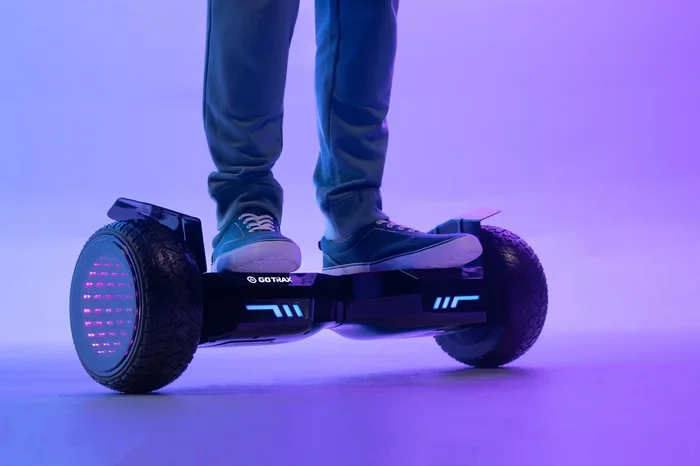
The Hoverstar hoverboard is a popular self-balancing electric scooter that has captured the attention of riders of all ages. It combines fun, mobility, and modern technology into one sleek package. People love it for its smooth ride, durable build, and affordable price point.
Hoverboards have come a long way since they first hit the market. Early models were basic and lacked smart features. Today, brands like Hoverstar have added wireless connectivity, LED lights, and app integration. The Bluetooth feature is one of the most exciting additions that makes these rides more entertaining.
If you are thinking about buying a Hoverstar hoverboard or already own one, you might be wondering about the Bluetooth capabilities. Can you stream music? Can you connect a speaker? Can you control the board through an app? This guide answers all of those questions and more.
Does the Hoverstar Hoverboard Have Bluetooth?
The short answer is yes. The Hoverstar hoverboard comes equipped with Bluetooth technology that allows you to connect your phone or other devices wirelessly. This feature turns a simple ride into an immersive experience with music, sounds, and more.
How Bluetooth Works on the Hoverstar
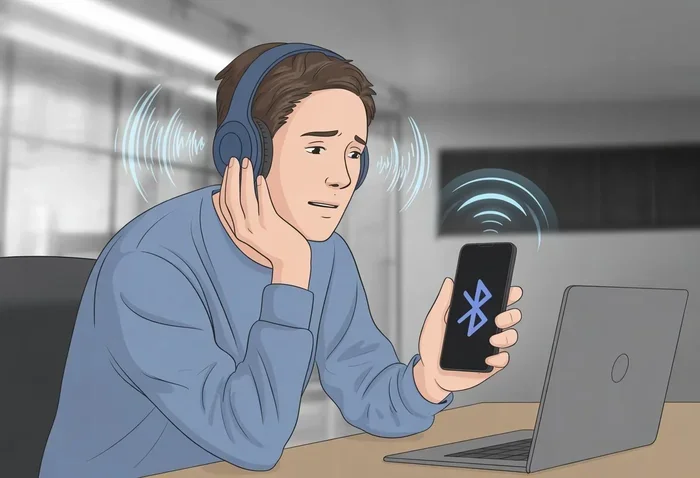
Bluetooth on the Hoverstar hoverboard works like any standard Bluetooth connection. The board has a built-in Bluetooth module that sends and receives signals. When you turn on Bluetooth on your phone, the hoverboard appears as a discoverable device.
Once paired, your phone and the hoverboard communicate over short-range radio waves. This means you do not need any cables or extra accessories for basic use. The connection is automatic and straightforward, which is great for users of all ages.
What Can You Do With Bluetooth on the Hoverstar
The Bluetooth feature opens up several possibilities for Hoverstar hoverboard owners. Here are the main things you can do:
- Stream Music: Play songs from your phone directly through the hoverboard’s built-in speakers.
- Connect External Speakers: Pair a Bluetooth speaker for louder and better-quality sound.
- Receive Notifications: Some models can alert you to incoming calls or messages.
- Firmware Updates: Connect to the Hoverstar app to receive updates and new features.
- Customize Riding Modes: Adjust speed limits and sensitivity through a connected app.
How to Connect Your Devices to the Hoverstar Hoverboard
Setting up Bluetooth on your Hoverstar hoverboard is simple. You do not need any technical skills or special tools. Follow these steps to get connected quickly.
Pairing Your Phone
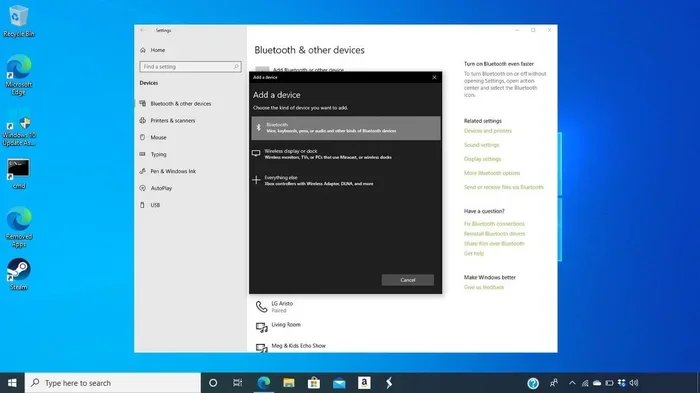
First, make sure your Hoverstar hoverboard is powered on. Then, go to the Bluetooth settings on your phone. Look for the hoverboard in the list of available devices. It usually shows up as “Hoverstar” or a similar name.
Tap on the device name to start pairing. You may hear a beep or see a light flash on the hoverboard when the connection is successful. Once paired, your phone will automatically reconnect whenever Bluetooth is turned on and you are nearby.
Using Bluetooth Speakers
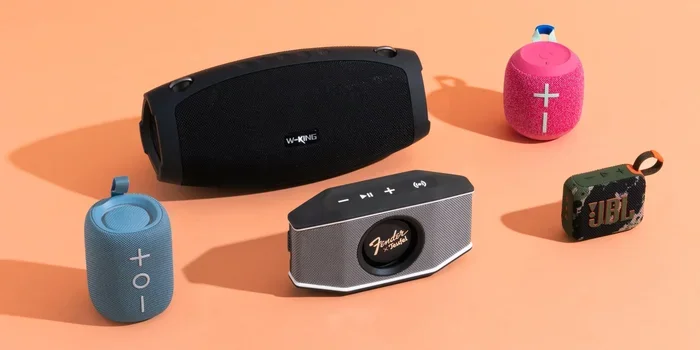
Want louder music? You can pair a Bluetooth speaker with your phone while it is connected to the hoverboard. This gives you the option to use the hoverboard’s speakers or an external one. Some riders prefer using a portable speaker for better sound quality.
You can also turn your stereo into Bluetooth and connect it to your phone for an even more powerful audio setup. This works great for outdoor parties or group rides where you want everyone to enjoy the music.
Connecting to a TV or Home Speaker System
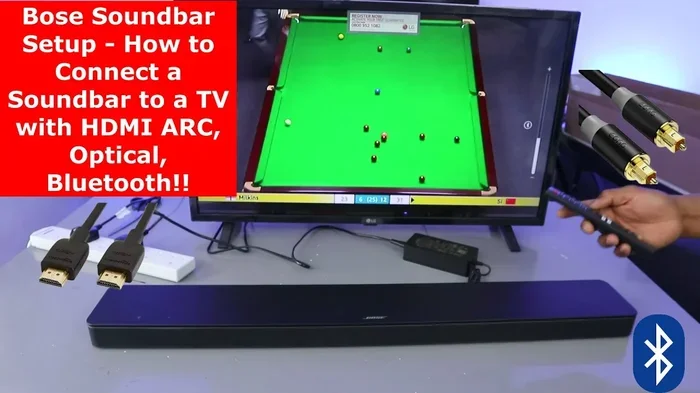
If you want to use your hoverboard’s Bluetooth for more than just riding, you have options. You can connect your phone to a Bluetooth adapter on your TV for a wireless audio experience at home. This is especially useful if you want to practice your riding moves while listening to your favorite shows or music on a larger screen.
Bluetooth Features and Capabilities
The Bluetooth feature on the Hoverstar hoverboard is more than just a gimmick. It adds real value to your riding experience. Let us explore the key capabilities in detail.
Wireless Audio Streaming
One of the best features of the Hoverstar hoverboard Bluetooth capability is wireless audio streaming. You can play music from Spotify, Apple Music, YouTube, or any other app on your phone. The sound comes through the hoverboard’s built-in speakers, giving you a personalized soundtrack for every ride.
The audio quality is decent for a built-in speaker. It is not going to match a premium Bluetooth speaker, but it is perfectly fine for casual riding. If you want better sound, you can always make your old Bose speakers Bluetooth and use them instead.
App Connectivity
Some Hoverstar models support a companion app that connects via Bluetooth. The app lets you customize your riding experience. You can adjust speed settings, check battery levels, and even change LED light patterns.
The app also provides useful diagnostics. If something goes wrong with your hoverboard, the app can help you troubleshoot the issue. This is a big advantage over basic models that do not offer any smart features.
Bluetooth Range and Stability
The Bluetooth range on the Hoverstar hoverboard is typically around 30 feet. This means you can keep your phone in your pocket or a small bag while riding. The connection remains stable as long as you stay within range.
If you go beyond the Bluetooth range, the connection will drop. Your music will pause, and any app features will become unavailable. This is normal behavior for Bluetooth devices and not a defect.
Common Bluetooth Issues and How to Fix Them
Like any Bluetooth device, the Hoverstar hoverboard can sometimes have connection issues. Here are the most common problems and how to solve them.
Hoverboard Not Showing Up on Phone
If your phone cannot find the hoverboard, try these steps. First, make sure Bluetooth is turned on. Then, check that the hoverboard is powered on and in pairing mode. Restart both devices and try again. This fixes the issue most of the time.
Connection Keeps Dropping
A dropping connection can be frustrating. The most common cause is distance. Stay within 30 feet of the hoverboard. Also, make sure there are no large obstacles or interference from other Bluetooth devices nearby.
If the problem persists, try forgetting the device on your phone and pairing it again. This refreshes the connection and often resolves the issue.
Poor Audio Quality
If the music sounds distorted or unclear, check the volume on both your phone and the hoverboard. Sometimes one device is set too high, causing distortion. Also, make sure your phone is not too far from the hoverboard, as weak signals can affect audio quality.
Bluetooth Not Turning On
If the hoverboard Bluetooth will not activate, try a full power cycle. Turn the hoverboard off, wait 30 seconds, and turn it back on. If that does not work, check for firmware updates through the app. Updating the software can fix many Bluetooth-related bugs.
Comparing Bluetooth Hoverboards on the Market
Not all hoverboards are created equal when it comes to Bluetooth features. Here is how the Hoverstar compares to other popular options.
- Hoverstar: Built-in Bluetooth, app connectivity, and decent audio quality at an affordable price.
- Other Budget Brands: Some cheaper models skip Bluetooth entirely. Always check the product specs before buying.
- Premium Models: Higher-end hoverboards offer stronger Bluetooth signals, better speakers, and more advanced app features.
The Hoverstar hoverboard strikes a great balance between price and features. You get Bluetooth without paying a premium. For most riders, this is all the connectivity they need.
Some people wonder if they can use their hoverboard’s Bluetooth for other purposes. For example, you might ask, can Alexa work as a Bluetooth speaker? While Alexa is not directly related to hoverboards, the concept of Bluetooth connectivity is the same. Any Bluetooth-enabled device can pair with another, which is what makes the Hoverstar so versatile.
Final Verdict
The Hoverstar hoverboard Bluetooth feature is a fantastic addition that enhances the riding experience. You get wireless music streaming, app connectivity, and easy device pairing. It is simple to set up and works reliably within the expected range.
If you are looking for a hoverboard that offers more than just transportation, the Hoverstar is a solid choice. The Bluetooth feature adds entertainment value and makes every ride more enjoyable. Whether you are cruising around the neighborhood or showing off tricks at the park, having music at your fingertips makes the experience so much better.
For riders who want even more audio power, consider pairing your phone with external Bluetooth speakers. You can also explore options like turning your car radio into Bluetooth to extend your wireless audio setup beyond the hoverboard. The possibilities are endless when you embrace wireless connectivity.
Overall, the Hoverstar hoverboard delivers a well-rounded experience with its Bluetooth capabilities. It is user-friendly, reliable, and adds genuine value to your purchase. If you have been on the fence about buying one, the Bluetooth feature alone is a strong reason to go for it.
Frequently Asked Questions
Can I use any Bluetooth speaker with my Hoverstar hoverboard?
Yes, you can pair any Bluetooth-compatible speaker with your phone while it is connected to the Hoverstar. The hoverboard’s Bluetooth and your speaker’s Bluetooth work independently. You simply connect the speaker to your phone through your phone’s Bluetooth settings.
How far can I go from my phone while the Bluetooth is connected?
The Bluetooth range is typically around 30 feet. Staying within this distance ensures a stable connection. If you go too far, the music will pause and the connection will drop until you come back within range.
Does the Hoverstar hoverboard have a dedicated app?
Some Hoverstar models support a companion app that connects through Bluetooth. The app allows you to customize settings, check battery status, and update firmware. Check your specific model to see if app support is available.
Can I connect two devices to the Hoverstar hoverboard at the same time?
Most Hoverstar models can only maintain one active Bluetooth connection at a time. If you want to switch devices, you will need to disconnect the current device and pair the new one. This is standard behavior for most Bluetooth-enabled devices.
Will Bluetooth drain the hoverboard battery faster?
Using Bluetooth does consume a small amount of battery power. However, the impact is minimal. The hoverboard’s battery is designed to handle Bluetooth use without significantly reducing your ride time. You can expect normal battery life even with Bluetooth active.
Can I use Bluetooth on my Hoverstar hoverboard without an internet connection?
Yes, Bluetooth does not require an internet connection. It uses local wireless signals to communicate between devices. You can stream music from your phone’s offline library or connect to any Bluetooth device without needing Wi-Fi or mobile data.
Frequently Asked Questions
What is Does The Hoverstar Hoverboard Have Bluetooth?
Does The Hoverstar Hoverboard Have Bluetooth is an important topic with many practical applications.